September 09, 2026
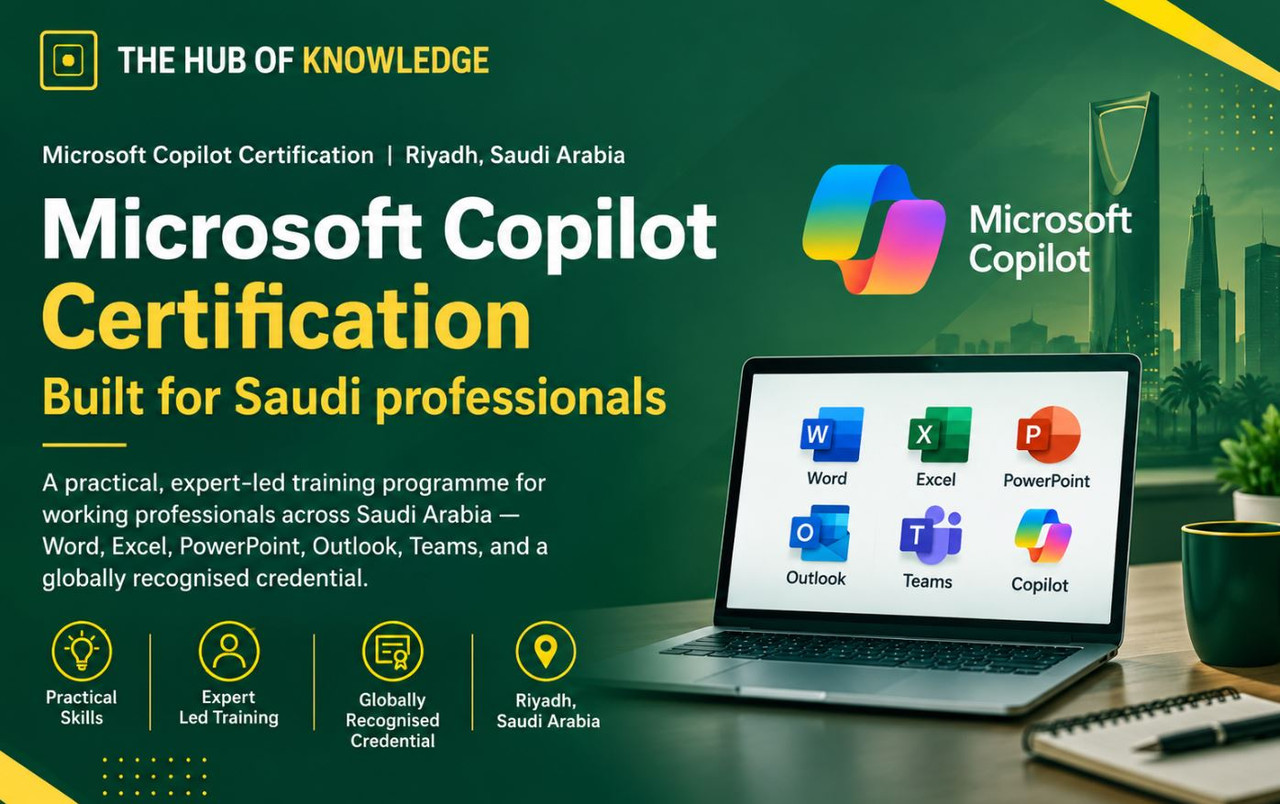
Microsoft Copilot Training in Oman
Artificial intelligence is rapidly changing the way organizations create content, analyze information, communicate, and manage everyday business activities. Microsoft Copilot brings AI capabilities directly into familiar Microsoft 365 applications, helping professionals work more efficiently and make better use of their time.
THE HUB OF KNOWLEDGE offers Microsoft Copilot Training in Oman for professionals, teams, managers, and organizations that want to develop practical AI skills and use Microsoft Copilot effectively in their daily work.
Microsoft 365 Copilot can support users across applications such as Microsoft Word, Excel, PowerPoint, Outlook, Teams, OneNote and other Microsoft 365 services. Microsoft describes Copilot as an AI assistant that works with Microsoft 365 applications and, where applicable, organizational data that the user has permission to access.
What Is Microsoft Copilot Training?
Microsoft Copilot Training is designed to help professionals understand how to use AI-powered features within the Microsoft 365 environment.
Rather than learning AI as a separate technology, participants learn how to apply Copilot to everyday business activities such as:
Microsoft's current learning resources cover Copilot use across Word, PowerPoint, Excel, Outlook, Teams and Copilot Chat, making these important areas for practical workplace training.
Why Microsoft Copilot Skills Matter in Oman
Organizations in Oman are increasingly exploring digital transformation, automation and AI-powered productivity tools. Professionals who can effectively combine Microsoft 365 with AI can potentially reduce repetitive work and focus more on analysis, communication, decision-making and business outcomes.
Microsoft Copilot can assist employees with tasks ranging from drafting documents and presentations to analyzing data and managing email and meetings.
For organizations in Muscat, Salalah, Sohar, Nizwa and other locations across Oman, Microsoft Copilot training can help employees develop practical skills that can be applied immediately in the workplace.
Microsoft Copilot Training in Muscat
Microsoft Copilot Training in Muscat is suitable for organizations and professionals looking to introduce AI-powered productivity into their Microsoft 365 environment.
Training can be customized for different departments, including:
The training can focus on real workplace scenarios rather than only theoretical AI concepts.
What You Can Learn in Microsoft Copilot Training
Participants learn the fundamentals of Microsoft Copilot, how it works within Microsoft 365, and where it can add value to everyday workflows.
Effective prompting is an important part of getting useful results from AI. Participants learn how to create clear prompts, provide context, specify desired output and refine responses.
Microsoft's learning resources specifically emphasize prompting techniques and reviewing and refining Copilot-generated results.
Participants can learn how to use Copilot to:
Copilot can assist with data analysis, insights, formulas, visualization and other spreadsheet-related activities.
Current Microsoft training materials also cover advanced Excel capabilities, including AI-assisted analysis and forecasting.
Participants learn how AI can help create and refine presentations, generate content, structure presentations and prepare speaker notes.
Copilot can help professionals manage email and calendar workflows, summarize email threads and draft or refine communications.
Microsoft Copilot can support meetings by helping users identify key discussion points, summaries and action items. Microsoft's current training resources also cover meeting-focused Copilot capabilities in Teams.
Participants can learn how to use Copilot Chat to ask questions, generate content and interact with information using natural-language prompts.
Microsoft Copilot for Business Professionals
Microsoft Copilot training is not limited to IT professionals. It can be useful for almost any employee who works with Microsoft 365.
For Managers
Managers can use Copilot to support:
For HR Professionals
HR teams can explore Copilot for:
For Finance Professionals
Finance teams can use Copilot-assisted workflows for:
For Project Managers
Project managers can learn how to use Copilot for:
For Sales and Marketing Teams
Sales and marketing professionals can use Copilot to assist with:
Microsoft Copilot Training for Companies in Oman
THE HUB OF KNOWLEDGE can provide Microsoft Copilot training for organizations seeking to build practical AI capabilities across their workforce.
Corporate training can be customized according to the organization's Microsoft 365 environment, employee roles and business objectives.
Training delivery can be structured as:
Organizations can also request department-specific Microsoft Copilot workshops based on their business processes.
Microsoft Copilot and Data Security
AI adoption must be accompanied by responsible use of organizational information.
Microsoft states that Microsoft 365 Copilot works within existing Microsoft 365 permissions and security controls, and that Copilot only accesses information that the user has permission to access.
Training therefore should not focus only on prompts and productivity. Employees should also understand responsible AI usage, data protection, permissions, review of AI-generated content and organizational policies.
Who Should Attend Microsoft Copilot Training in Oman?
This training can be suitable for:
Basic familiarity with Microsoft 365 is useful. Microsoft's own Copilot learning paths generally recommend basic functional experience with Microsoft 365 services for several Copilot courses.
Why Choose THE HUB OF KNOWLEDGE?
THE HUB OF KNOWLEDGE provides professional training programs designed around practical workplace requirements.
Our Microsoft Copilot Training in Oman can be customized for individual professionals, corporate teams and organizations.
Participants can focus on practical Microsoft Copilot use cases rather than learning AI concepts in isolation.
The training can help organizations build AI awareness, improve Microsoft 365 productivity and encourage responsible adoption of AI tools across teams.
Microsoft Copilot Training in Oman – Locations
THE HUB OF KNOWLEDGE can support Microsoft Copilot training requirements across Oman, including:
Customized corporate delivery can also be discussed for organizations operating in other locations.
Frequently Asked Questions – Microsoft Copilot Training in Oman
Microsoft Copilot Training in Oman is a practical training program that teaches professionals how to use Microsoft Copilot and AI-powered features within Microsoft 365 applications such as Word, Excel, PowerPoint, Outlook and Teams.
The training is suitable for managers, business professionals, project managers, HR teams, finance professionals, sales and marketing teams, administrators, IT professionals and other Microsoft 365 users.
No. Microsoft Copilot is designed to be used through natural-language interaction. Programming experience is generally not required for business-user training.
Depending on the training program, participants can learn Copilot across applications including Word, Excel, PowerPoint, Outlook, Teams, OneNote and Copilot Chat.
Yes. THE HUB OF KNOWLEDGE can provide Microsoft Copilot Training in Muscat through suitable training delivery formats, including online and corporate training.
Yes. Organizations can arrange customized Microsoft Copilot training for employees, departments or complete teams.
Topics can include Copilot fundamentals, prompting, Copilot Chat, Word, Excel, PowerPoint, Outlook, Teams, workplace use cases, responsible AI use and productivity techniques.
Yes. Copilot can assist with data analysis, insights, formulas and visualization. Microsoft's current training resources also cover advanced AI-assisted Excel analysis.
Copilot can assist with creating and refining presentations, including generating presentation content and helping users prepare speaker notes.
Yes. Copilot can assist with drafting emails, summarizing email threads and improving email workflows. The exact features available depend on the user's Microsoft 365 setup and licensing.
Yes. Project managers can apply Copilot to project documentation, meeting summaries, status reports, presentations, stakeholder communications and other productivity workflows.
Yes. HR professionals can use Copilot to assist with drafting communications, documentation, reports, presentations, meeting summaries and other knowledge-work activities.
Yes. Prompting is an important component of effective Copilot usage. Participants can learn how to provide context, specify requirements and refine prompts to improve results.
Microsoft 365 Copilot is designed to work within Microsoft's existing security and permissions framework. Copilot uses information that the user is authorized to access, while organizations remain responsible for appropriate configuration, governance and responsible use.
Organizations and professionals interested in Microsoft Copilot Training in Oman can contact THE HUB OF KNOWLEDGE to discuss course requirements, training format, duration and customization options.
Start Your Microsoft Copilot Learning Journey
Microsoft Copilot is becoming an important productivity capability for professionals working with Microsoft 365. Developing practical Copilot skills can help employees use familiar applications more effectively while building confidence with AI-powered workflows.
THE HUB OF KNOWLEDGE offers Microsoft Copilot Training in Oman for professionals and organizations seeking practical, business-focused AI training.
For training enquiries, contact:
THE HUB OF KNOWLEDGE
Training Delivery: ONLINE | ONSITE | CLASSROOM
Build practical AI skills. Work smarter with Microsoft Copilot.
Course Detials: Click here for Course Syllabus
Corporate Course Enquiries: Click here for Corporate Enquiries
Course Enquiry: enquiries@thehubofknowledge.com
Latest Posts
Stay Updated
Get latest updates directly to your inbox.
 Enquire Now

 info@thehubofknowledge.com